
受到知名品牌和初创公司的信任


免费发布您的项目,对接娴熟的威客,他们今天就能开工。查看竞标方案、评分和作品集,满意后再付款。
~6 min
即可收到首个竞标
45+
个竞标/项目
7k+
威客在线
无需预付 · 满意后付款


8.5
8.5
99%

CHENNAI, India
$30 USD 每小时

3.7
3.7
100%
Machilipatnam, India
$25 USD 每小时


9.4
9.4
98%

Karachi, Pakistan
$20 USD 每小时

8.1
8.1
99%
Sitapur, India
$15 USD 每小时

10.0
10.0
95%
LUCKNOW, India
$25 USD 每小时

8.5
8.5
90%
Karachi, Pakistan
$30 USD 每小时


6.8
6.8
94%
Lahore, Pakistan
$45 USD 每小时

8.9
8.9
98%
Indore, India
$15 USD 每小时

7.4
7.4
100%
NASIK, India
$6 USD 每小时
An Adobe Captivate developer is an eLearning professional who builds interactive courses, simulations, software training, and responsive learning modules using Adobe Captivate authoring software. Hiring an experienced Adobe Captivate developer gives your organization custom eLearning content that runs on desktop and mobile, tracks learner progress through SCORM or xAPI, and integrates cleanly with your learning management system.
Adobe Captivate specialists turn raw training material — slides, scripts, screen recordings, subject-matter expert notes — into structured, interactive courses learners can complete at their own pace. The output is typically a published HTML5 package or SCORM-compliant zip ready for upload to your LMS.
Commercially, well-built Captivate content reduces time-to-competency for new hires, standardizes compliance training, and replaces costly instructor-led sessions with on-demand modules. A skilled Captivate developer keeps the design accessible, mobile-responsive, and aligned with your brand guidelines.
Strong Captivate developers rarely work in Captivate alone. They typically combine the authoring tool with a wider production stack to ship polished courses.
Captivate developers serve any organization that needs scalable training. Common use cases include:
Look for a portfolio with live demos or video walkthroughs of completed modules — not just static screenshots. Strong candidates show variety: software simulations, branching scenarios, responsive layouts, and assessment design. Check for SCORM and xAPI experience, accessibility work, and integration history with named LMS platforms.
Useful interview questions to copy and ask:
Freelancer.com gives you access to a global network of eLearning professionals, instructional designers, and Captivate specialists across every time zone. You can compare proposals from independent developers and small studios side by side, review portfolios of past course work, and read verified client feedback before you commit.
Clients set their own budgets and receive competitive bids, so the project fits your scope rather than a fixed package. Milestone Payments hold funds securely and release them only when you approve deliverables, giving you confidence when working with freelancers on Freelancer.com remotely.
Hiring a Captivate developer on Freelancer.com is straightforward when you approach it in three stages. The clearer your brief, the better the bids — eLearning projects involve specific technical and instructional requirements that strong candidates will want to confirm before quoting.
Your project post is the single biggest determinant of bid quality. A clear brief filters for Captivate developers whose tooling, instructional design experience, and LMS knowledge match what you actually need. Head to the
Bids are short proposals, not just price quotes. A strong Captivate proposal shows the freelancer has read your brief, understands the eLearning context, and has a clear production approach. Read each proposal carefully and shortlist the developers whose interpretation of the work matches your goals.
Combine proposal quality with profile evidence before awarding. For Captivate work, consistency across multiple completed courses matters more than one polished showcase piece. Look for developers whose past clients describe them as responsive, accurate with technical specs, and reliable through revision rounds.
A single 20–30 minute interactive module typically takes one to four weeks depending on complexity, custom graphics, voice-over, and review cycles. Software simulations and branching scenarios add time, while template-based refreshes of existing content move much faster.
Adobe Captivate is particularly strong for software simulations, responsive HTML5 output, and advanced variable-driven logic. A Captivate developer is a specialist in this specific toolchain, so if your existing courses, templates, or LMS workflows are built around Captivate, hiring a dedicated Captivate developer keeps your library consistent.
Yes. Many clients hire Captivate developers for a single compliance module, product training course, or legacy content conversion. You can also keep the same freelancer on retainer for ongoing updates as your training library grows.
Many freelance Captivate developers double as instructional designers and can handle storyboarding, learning objectives, and assessment design. If your subject matter is complex or regulated, hiring a separate instructional designer alongside the developer often produces stronger learning outcomes.
Experienced Captivate developers publish to SCORM 1.2, SCORM 2004, AICC, and xAPI, which covers virtually all modern learning management systems. Share your LMS name and tracking requirements upfront so the developer configures completion criteria, quiz scoring, and reporting correctly.






今天发布一个项目,从有才华的威客们那里获得竞标
从Adobe Captivate项目中获得一些灵感
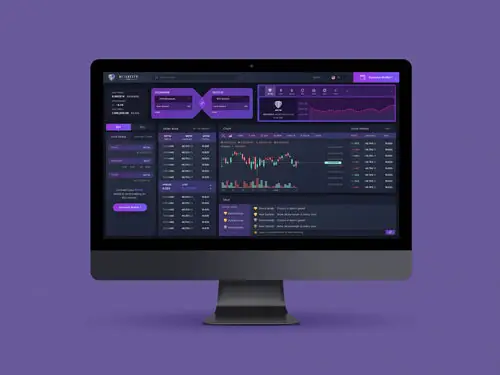
网站设计。
7天内540美元。
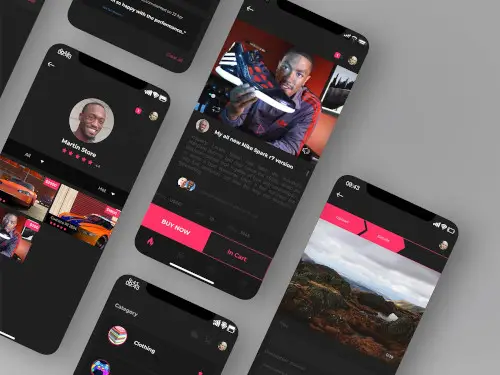
App设计。
1天内$100美元。
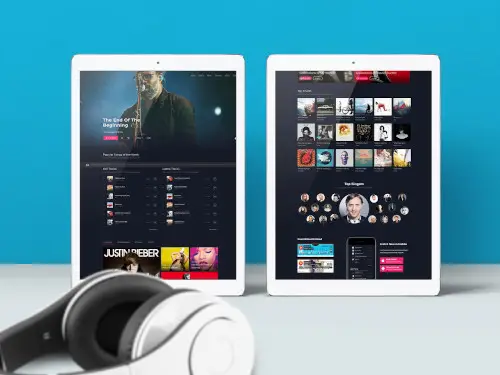
网站。
1天内430美元。
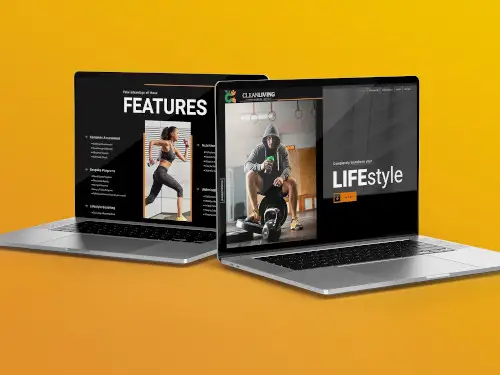
网站设计。
13天内140美元。

App设计。
19天内200美元。
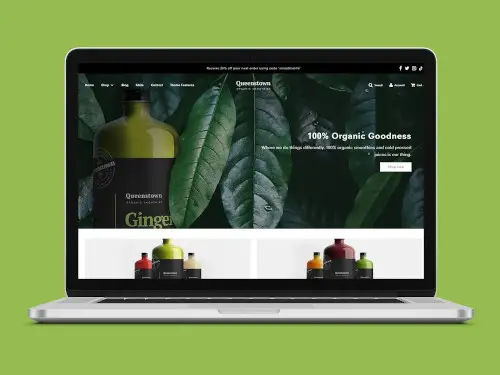
网站。
13天内150美元。
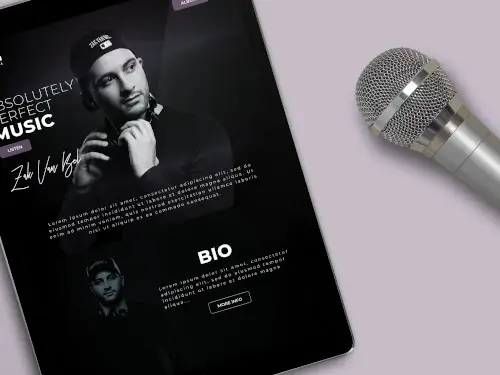
网站。
1天内240美元。
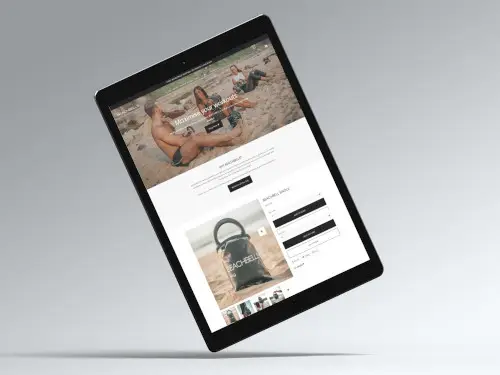
网站。
1天内$100美元。


数百万名用户,从小型公司到大型企业,从企业家到初创公司,都在用Freelancer将他们的想法变成现实。
90.7百万
90.7百万
注册用户
25.9百万
25.9百万
发布工作总数
威客
关于
条款
合伙人
应用程序